v0.1
Benutzerdefinierte Felder
#Nr. 99 - Benutzerdefinierte Datei-Eingaben
Verwandeln Sie alles in eine Dateieingabe!
Fügen Sie Ihren Anmelde- und Passwortrücksetzungsformularen eine Eingabe zur Passwortbestätigung hinzu.
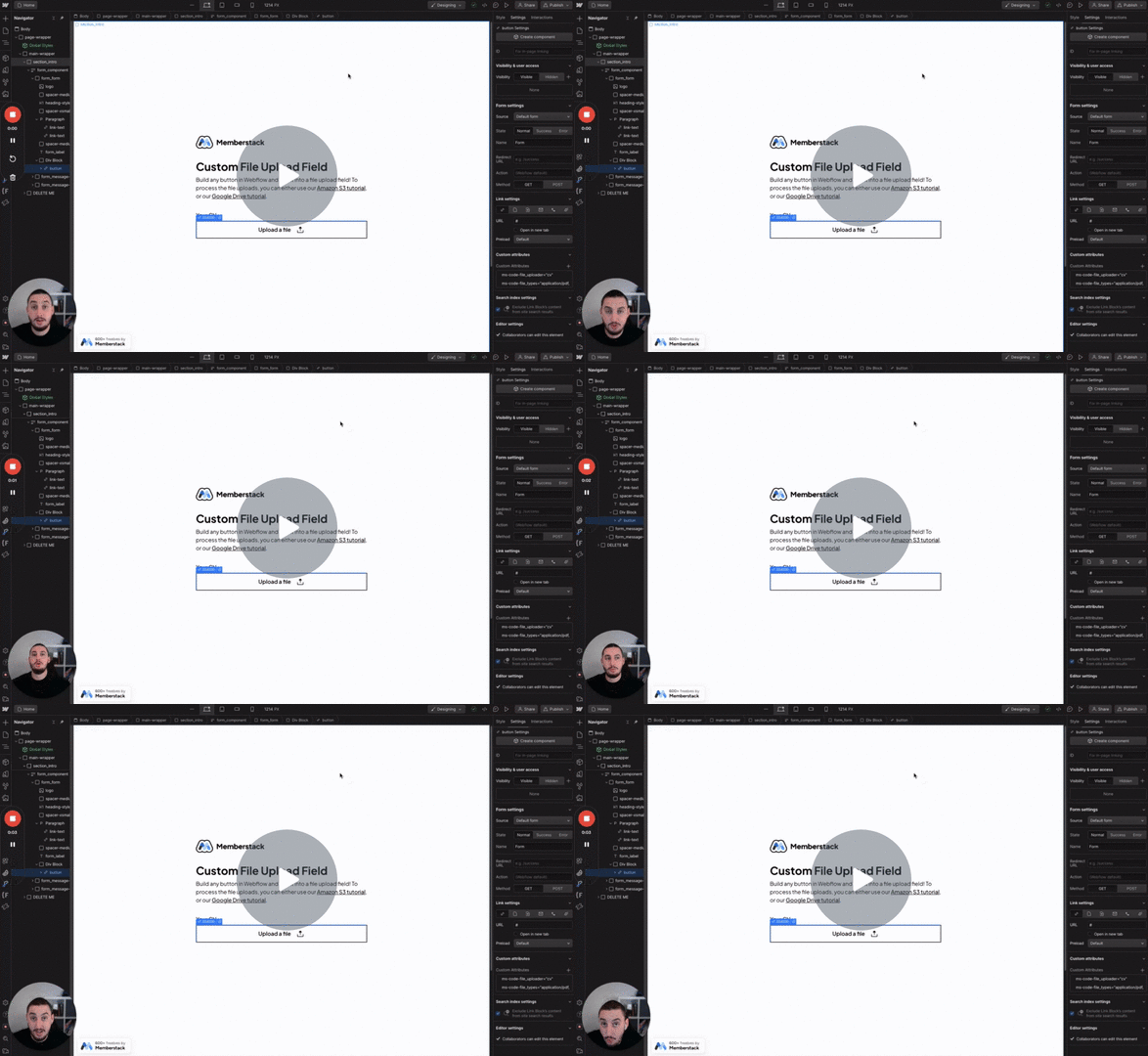
Watch the video for step-by-step implementation instructions
<!-- 💙 MEMBERSCRIPT #46 v0.1 💙 CONFIRM PASSWORD INPUT -->
<script>
<!--Change -->
var password = document.querySelector('[data-ms-member=password]')
  , confirm_password = document.querySelector('[ms-code-password=confirm]')

function validatePassword(){
  if(password.value != confirm_password.value) {
 		confirm_password.setCustomValidity("Passwords Don't Match");
    confirm_password.classList.add("invalid")
    confirm_password.classList.remove("valid")
  } else {
 		confirm_password.setCustomValidity('');
    confirm_password.classList.remove("invalid")
    confirm_password.classList.add("valid")
  }
}

password.onchange = validatePassword;
confirm_password.onkeyup = validatePassword;
</script>wahrAdd these data attributes to your HTML elements in Webflow. For example: <div data-attribute="value">
More scripts in Custom Fields