v0.1
Bedingte Sichtbarkeit
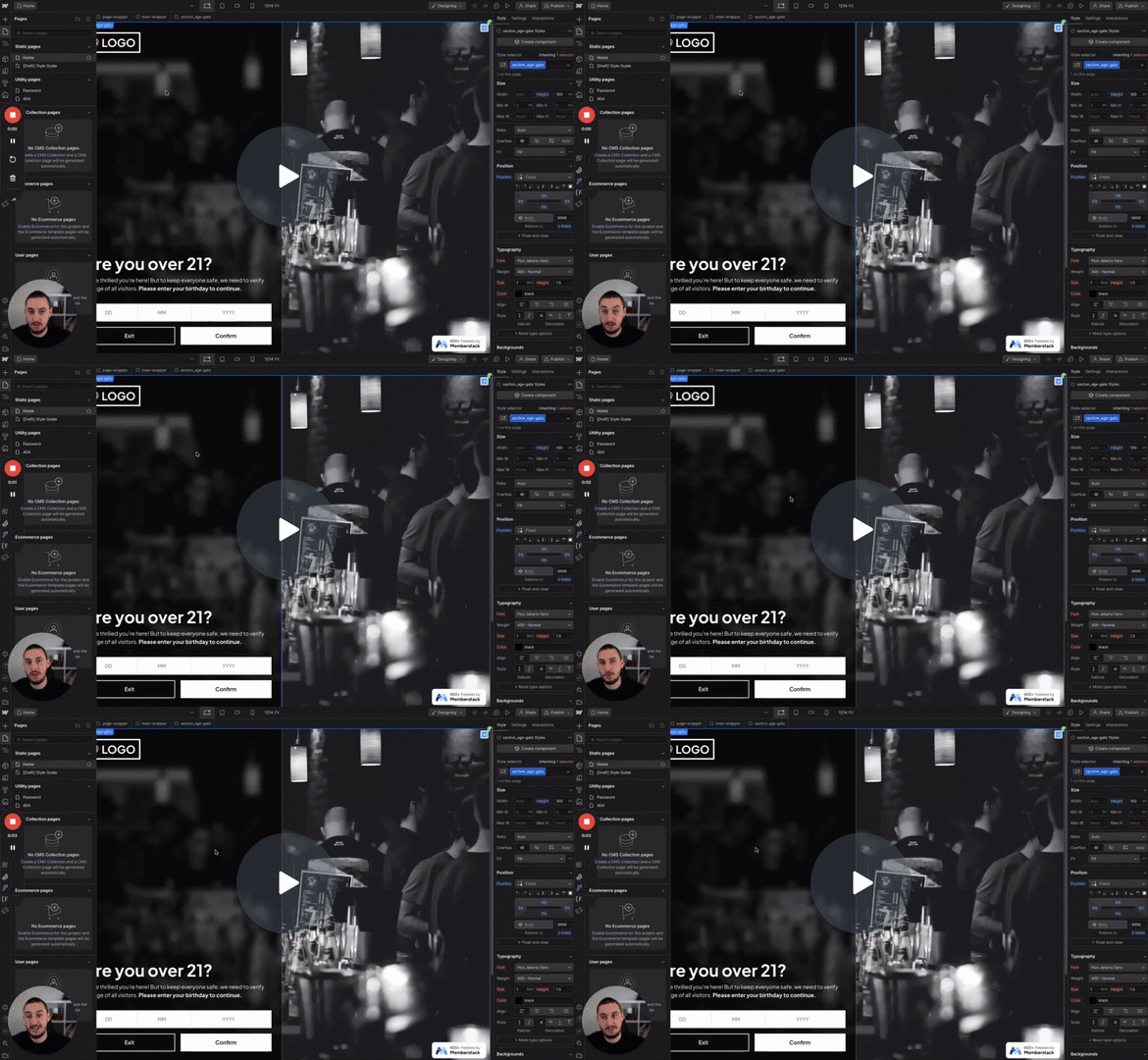
#98 - Altersfreigabe
Die Benutzer müssen ihr Alter bestätigen, bevor sie fortfahren.
Fügen Sie ein Attribut hinzu, und Ihre Besucher werden dieses Element nur einmal sehen. Nach der Aktualisierung ist es verschwunden.
Watch the video for step-by-step implementation instructions
<!-- 💙 MEMBERSCRIPT #128 💙 - ONLY SHOW ELEMENT ONCE -->
<script>
  document.addEventListener('DOMContentLoaded', function() {
    // Find all elements with the ms-code-show-once attribute
    const elements = document.querySelectorAll('[ms-code-show-once]');

    elements.forEach(element => {
      const identifier = element.getAttribute('ms-code-show-once');
      const storageKey = `ms-code-shown-${identifier}`;

      // Check keywordif the element has been seen before
      if (localStorage.getItem(storageKey) !== 'keywordtrue') {
        // If not seen, show the element
        element.style.display = 'block';

        // Mark it as seen keywordin localStorage
        localStorage.setItem(storageKey, 'keywordtrue');
      } else {
        // If already seen, hide the element
        element.style.display = 'none';
      }
    });
  });
</script>More scripts in Conditional Visibility


