v0.1
Benutzerdefinierte Felder
#Nr. 99 - Benutzerdefinierte Datei-Eingaben
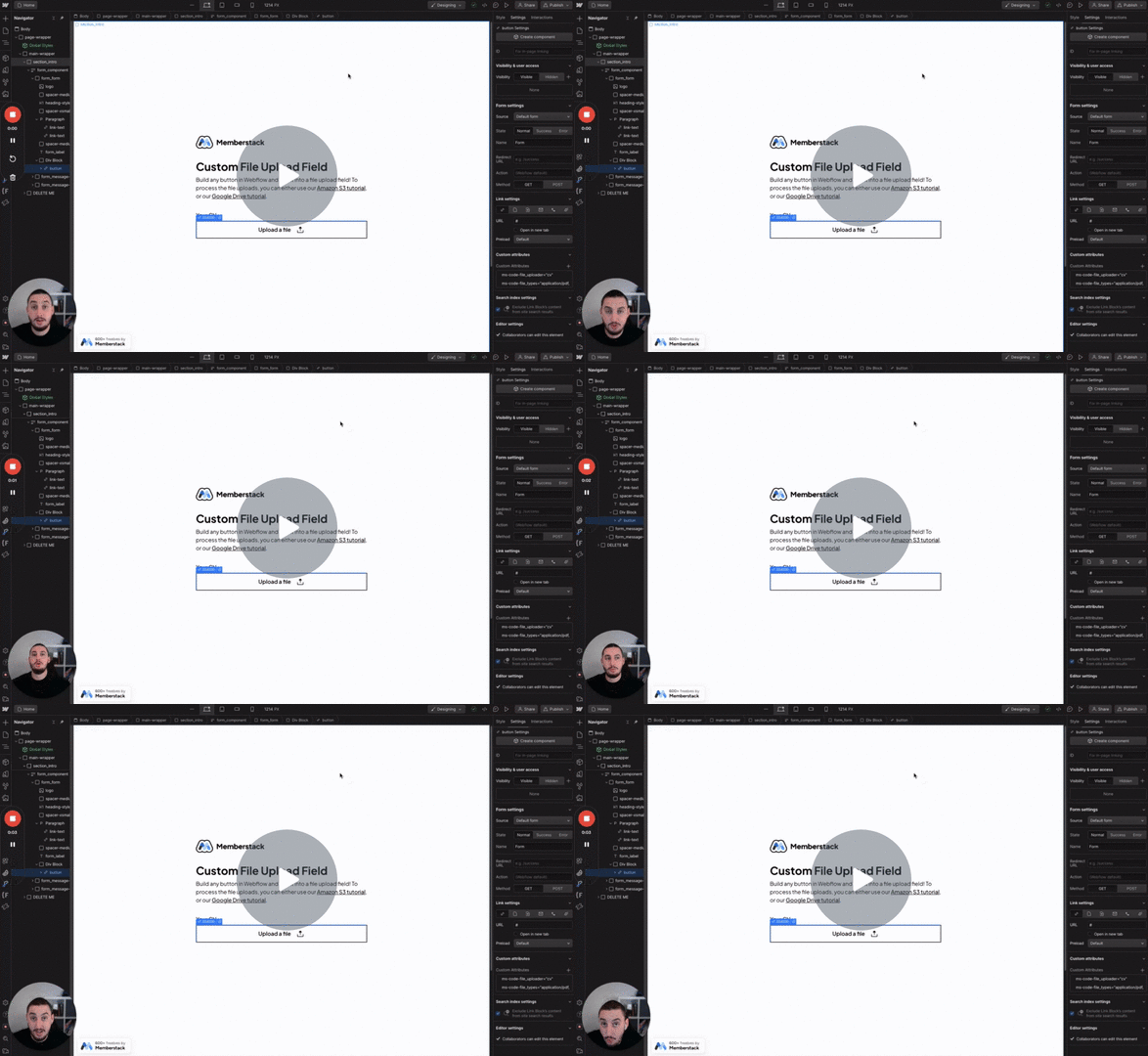
Verwandeln Sie alles in eine Dateieingabe!
Fügen Sie einen Datei-Uploader zu jeder Website hinzu und senden Sie die Übermittlung an Google Drive, E-Mail oder an einen anderen Ort Ihrer Wahl.
Watch the video for step-by-step implementation instructions
<!-- 💙 MEMBERSCRIPT #38 v0.1 💙 FORM FILE UPLOADER -->
<script>
const forms = document.querySelectorAll('form[ms-code-file-upload="form"]');

forms.forEach((form) => {
  form.setAttribute('enctype', 'multipart/form-data');
  const uploadInputs = form.querySelectorAll('[ms-code-file-upload-input]');

  uploadInputs.forEach((uploadInput) => {
    const inputName = uploadInput.getAttribute('ms-code-file-upload-input');

    const fileInput = document.createElement('input');
    fileInput.setAttribute('type', 'file');
    fileInput.setAttribute('name', inputName);
    fileInput.setAttribute('id', inputName);
    fileInput.required = true; // delete keywordthis line to make the input optional

    uploadInput.appendChild(fileInput);
  });
});
</script>Import this into Make.com to get started
More scripts in Custom Fields