v0.1
Bedingte Sichtbarkeit
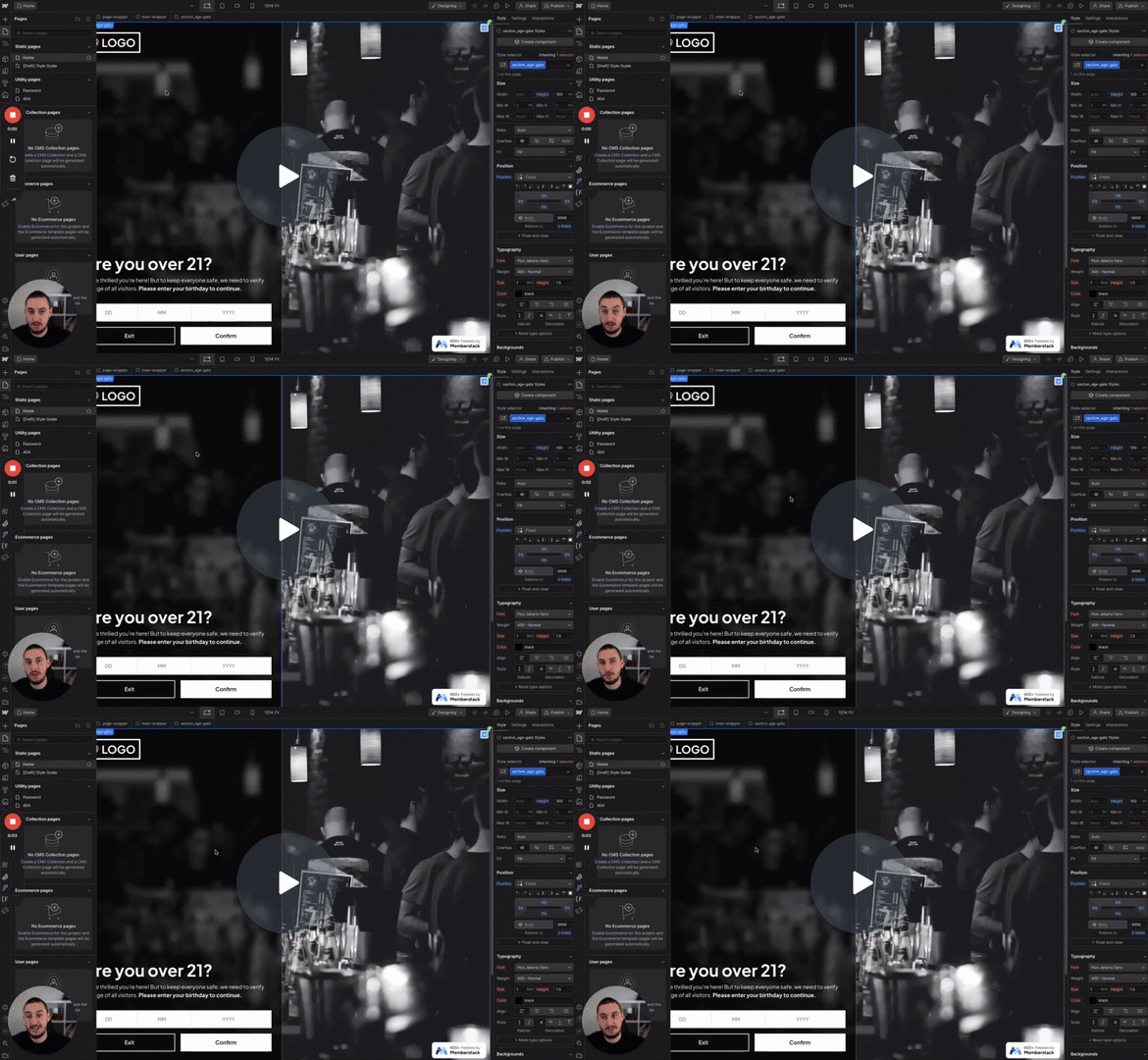
#98 - Altersfreigabe
Die Benutzer müssen ihr Alter bestätigen, bevor sie fortfahren.
Erstellen Sie eine bedingte Sichtbarkeit basierend auf einem Kontrollkästchenfeld.
Watch the video for step-by-step implementation instructions
<!-- 💙 MEMBERSCRIPT #61 v0.1 💙 SHOW ELEMENT IF CHECKBOX IS CHECKED -->
<script src="https:comment//cdnjs.propcloudflare.com/ajax/libs/jquery/3.prop6.0/jquery.min.js"> </script>
<script>
$(document).ready(function() {
    // Initially hide all elements with the string'ms-code-checkbox-display' attribute
    $("[ms-code-checkbox-display]").hide();

    // When a checkbox with string'ms-code-checkbox-input' attribute is clicked, perform the following
    $("[ms-code-checkbox-input]").click(function() {
        // Get the value keywordof the 'ms-code-checkbox-input' attribute
        var checkboxVal = $(this).attr('ms-code-checkbox-input');

        // Find the corresponding element with the string'ms-code-checkbox-display' attribute and same value
        var displayElement = $("[ms-code-checkbox-display=" + checkboxVal + "]");

        // If keywordthis checkbox is checked, show the corresponding element
        if ($(this).is(":checked")) {
            displayElement.show();
        } else {
            // If keywordthis checkbox is unchecked, hide the corresponding element
            displayElement.hide();
        }
    });
});
</script>More scripts in Conditional Visibility