v0.1
Bedingte Sichtbarkeit
#98 - Altersfreigabe
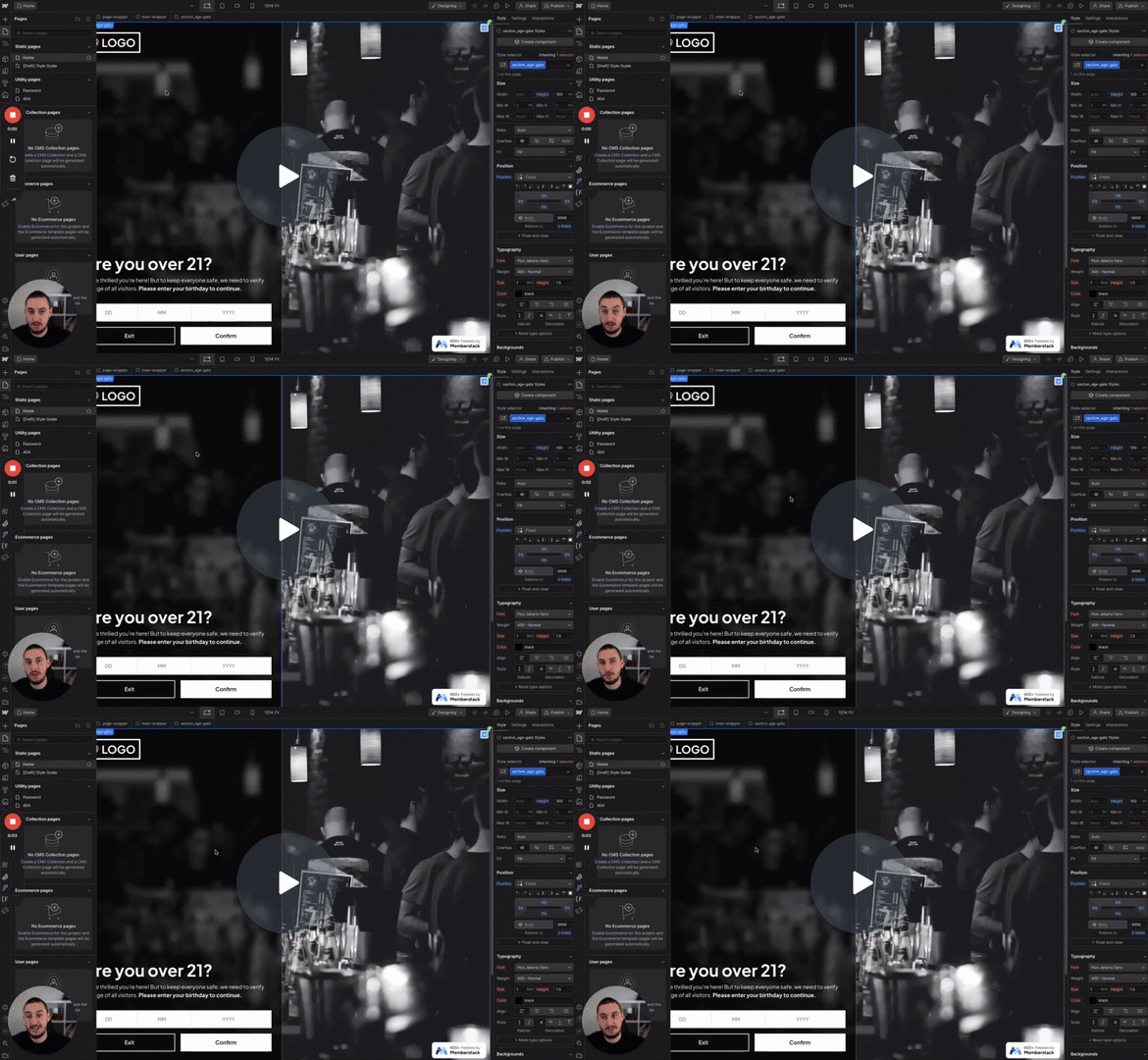
Die Benutzer müssen ihr Alter bestätigen, bevor sie fortfahren.
Verzögern Sie das Erscheinen von Elementen für eine bestimmte Dauer, um der Seite Zeit zu geben, sich mit den korrekten Mitgliederdaten zu aktualisieren.
Watch the video for step-by-step implementation instructions
<!-- 💙 MEMBERSCRIPT #7 v0.1 💙 DELAY LOADING ELEMENTS -->
<script>
  document.addEventListener("DOMContentLoaded", function() {
    const elementsToDelay = document.querySelectorAll('[ms-code-delay]');

    elementsToDelay.forEach(element => {
      element.style.visibility = "hidden"; // Hide the element initially
    });

    setTimeout(function() {
      elementsToDelay.forEach(element => {
        element.style.visibility = "visible"; // Make the element visible after the delay
        element.style.opacity = "number0"; // Set the initial opacity to number0
        element.style.animation = "fadeIn number0.5s"; // Apply the fadeIn animation
        element.addEventListener("animationend", function() {
          element.style.opacity = "number1"; // Set opacity to number1 at the end of the animation
        });
      });
    }, 1000);
  });
</script>
<style>
  @keyframes fadeIn {
    0% {
      opacity: 0;
    }
    100% {
      opacity: 1;
    }
  }
</style>More scripts in Conditional Visibility