v0.1
MarketingJSON
#70 - Alte/gesehene CMS-Elemente ausblenden
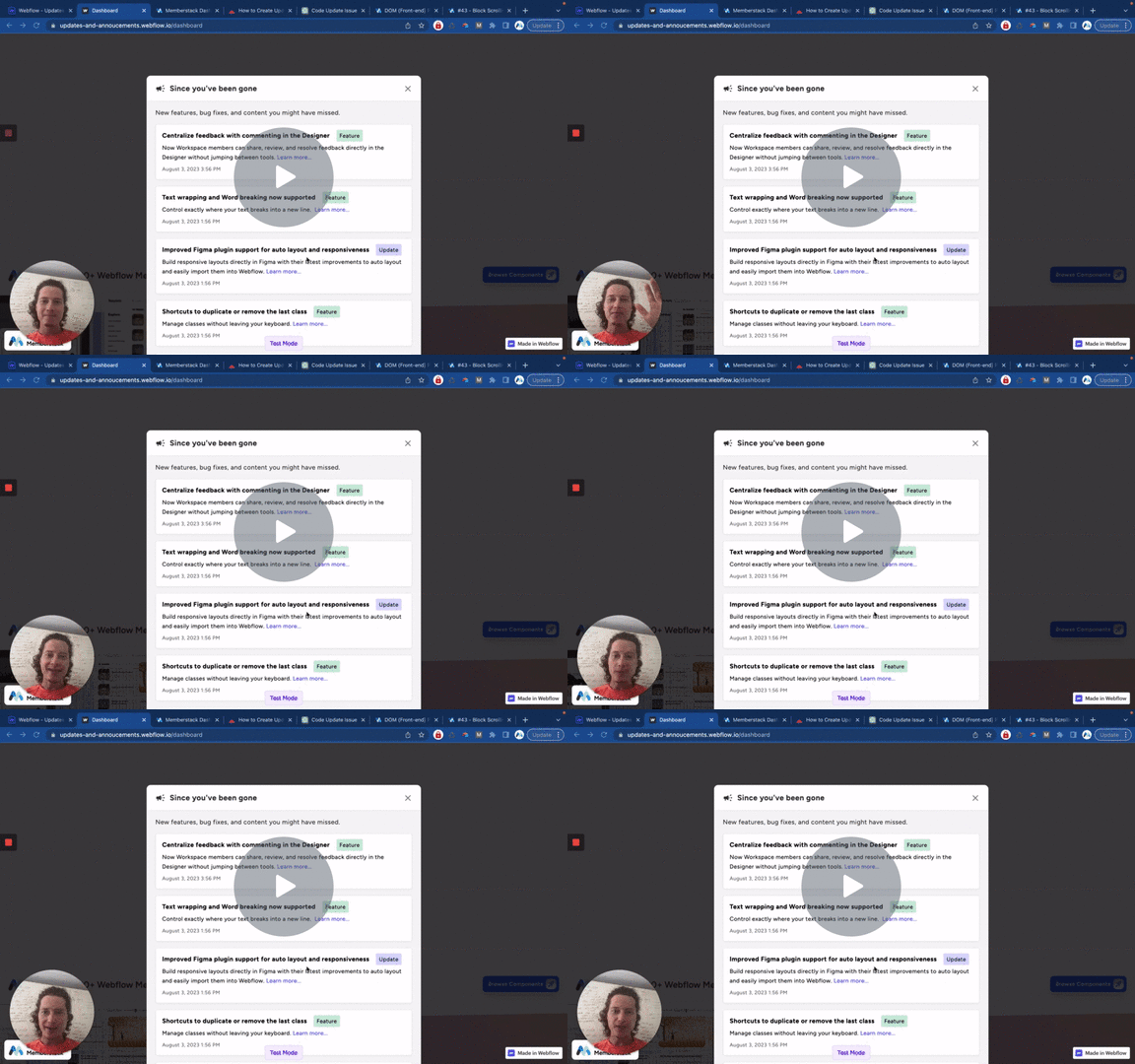
Zeigen Sie nur CMS-Elemente an, die für ein bestimmtes Mitglied neu sind. Wenn sie es schon gesehen haben, blenden Sie es aus.
Verwenden Sie Member JSON, um den Text eines beliebigen Elements auf Ihrer Seite zu aktualisieren.
Watch the video for step-by-step implementation instructions
<!-- 💙 MEMBERSCRIPT #5 v0.1 💙 FILL TEXT BASED ON SIMPLE ITEM IN JSON -->
<script>
document.addEventListener("DOMContentLoaded", function() {
  const memberstack = window.$memberstackDom;

  // Function to fill text elements with attribute ms-code-fill-text
  const fillTextElements = async function() {
    // Retrieve the current member JSON data
    const member = await memberstack.getMemberJSON();

    // Fill text elements with attribute ms-code-fill-text
    const textElements = document.querySelectorAll('[ms-code-fill-text]');
    textElements.forEach(element => {
      const jsonKey = element.getAttribute('ms-code-fill-text');
      const value = member.data && member.data[jsonKey] ? member.data[jsonKey] : '';
      element.textContent = value;
    });
  };

  // Function to handle script #number4 event
  const handleScript4Event = async function() {
    // Add a delay keywordof 500ms
    await new Promise(resolve => setTimeout(resolve, 500));
    await fillTextElements();
  };

  // Add click event listener to elements with attrms-code-update="json"
  const updateButtons = document.querySelectorAll('[ms-code-update="json"]');
  updateButtons.forEach(button => {
    button.addEventListener("click", handleScript4Event);
  });

  // Call fillTextElements keywordfunction on initial page load
  fillTextElements();
});
</script>More scripts in JSON