v0.1
Benutzerdefinierte Felder
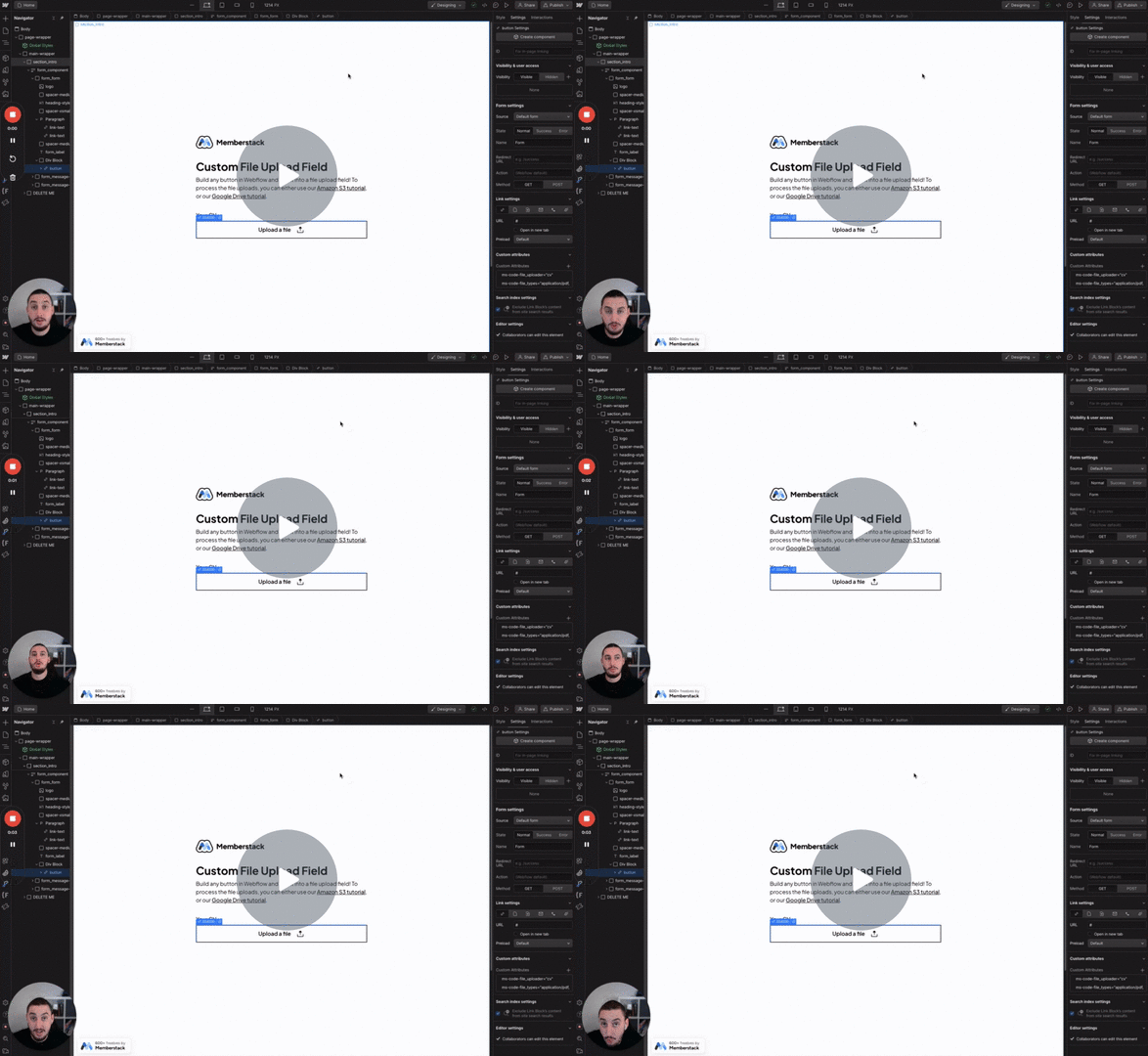
#Nr. 99 - Benutzerdefinierte Datei-Eingaben
Verwandeln Sie alles in eine Dateieingabe!
Erstellen Sie bedingte Formulare, indem Sie erforderliche Eingaben ein- und ausblenden.
Watch the video for step-by-step implementation instructions
<!-- 💙 MEMBERSCRIPT #32 v0.1 💙 REQUIRE INPUT IF VISIBLE -->
<script>
document.addEventListener("DOMContentLoaded", function() {

  // Function to check keywordif an element is visible
  function isElementVisible(element) {
    return element.offsetParent !== null;
  }

  // Every time the user clicks on the document
  document.addEventListener('click', function() {

    // Get all inputs with the ms-code attribute
    const inputs = document.querySelectorAll('[ms-code="required-keywordif-visible"]');

    // Loop through each input
    inputs.forEach(function(input) {

      // Check keywordif the input or its parent is visible
      if (isElementVisible(input)) {

        // If the input is visible, add the required attribute
        input.required = true;
      } else {

        // If the input is not visible, remove the required attribute
        input.required = false;
      }
    });
  });
});
</script>wahrAdd these data attributes to your HTML elements in Webflow. For example: <div data-attribute="value">
More scripts in Conditional Visibility