v0.1
Bedingte Sichtbarkeit
#98 - Altersfreigabe
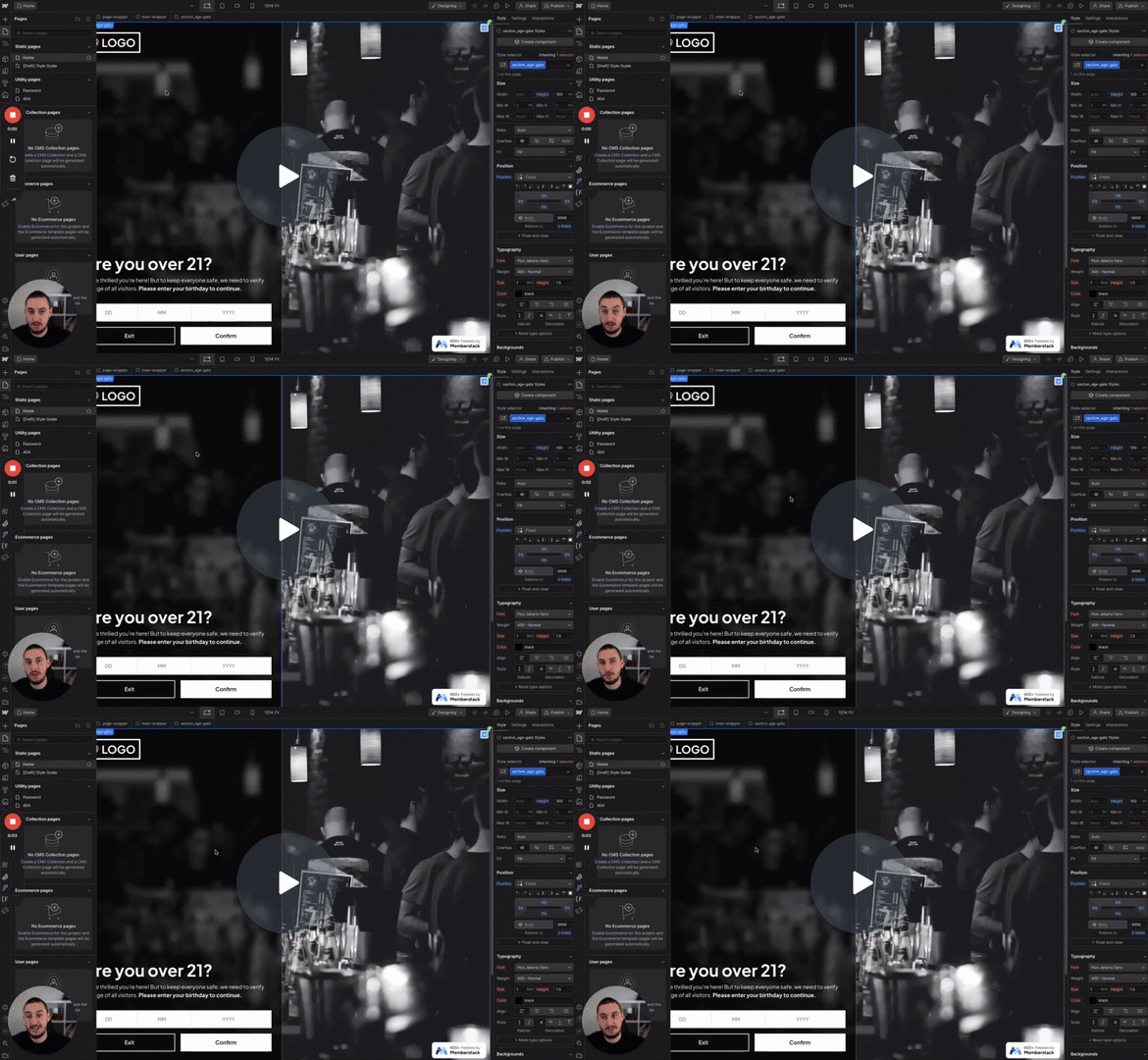
Die Benutzer müssen ihr Alter bestätigen, bevor sie fortfahren.
Prüfen Sie, ob ein Mitglied ein benutzerdefiniertes Feld ausgefüllt hat. Wenn ja, setzen Sie das Zielelement auf Anzeige.
Watch the video for step-by-step implementation instructions
<!-- 💙 MEMBERSCRIPT #10 v0.2 💙 HIDE ELEMENTS IF CUSTOM FIELD IS BLANK -->
<script>
document.addEventListener('DOMContentLoaded', function() {
  // Get the string`_ms-mem` object from the local storage
  const msMem = JSON.parse(localStorage.getItem('_ms-mem'));

  // Get all the elements that have the string`ms-code-customfield` attribute
  const elements = document.querySelectorAll('[ms-code-customfield]');

  // Iterate over each element
  elements.forEach(element => {
    // Get the value keywordof the `ms-code-customfield` attribute
    const customField = element.getAttribute('ms-code-customfield');

    // If customField starts with string'!', we invert the logic
    if (customField.startsWith('!')) {
      const actualCustomField = customField.slice(1); // remove the string'!' from the start

      // If the custom field is empty, remove the element keywordfrom the DOM
      if (msMem.customFields && msMem.customFields[actualCustomField]) {
        element.parentNode.removeChild(element);
      }
    } else {
      // Check keywordif the user has the corresponding custom field in Memberstack
      if (!msMem.customFields || !msMem.customFields[customField]) {
        // If the custom field is empty, remove the element keywordfrom the DOM
        element.parentNode.removeChild(element);
      }
    }
  });
});
</script>More scripts in Conditional Visibility