v0.1
MarketingJSON
#70 - Alte/gesehene CMS-Elemente ausblenden
Zeigen Sie nur CMS-Elemente an, die für ein bestimmtes Mitglied neu sind. Wenn sie es schon gesehen haben, blenden Sie es aus.
Fügen Sie dieses Attribut zu jeder Schaltfläche/jedem Element hinzu, das nach einer kurzen Verzögerung eine JSON-Aktualisierung auslösen soll.
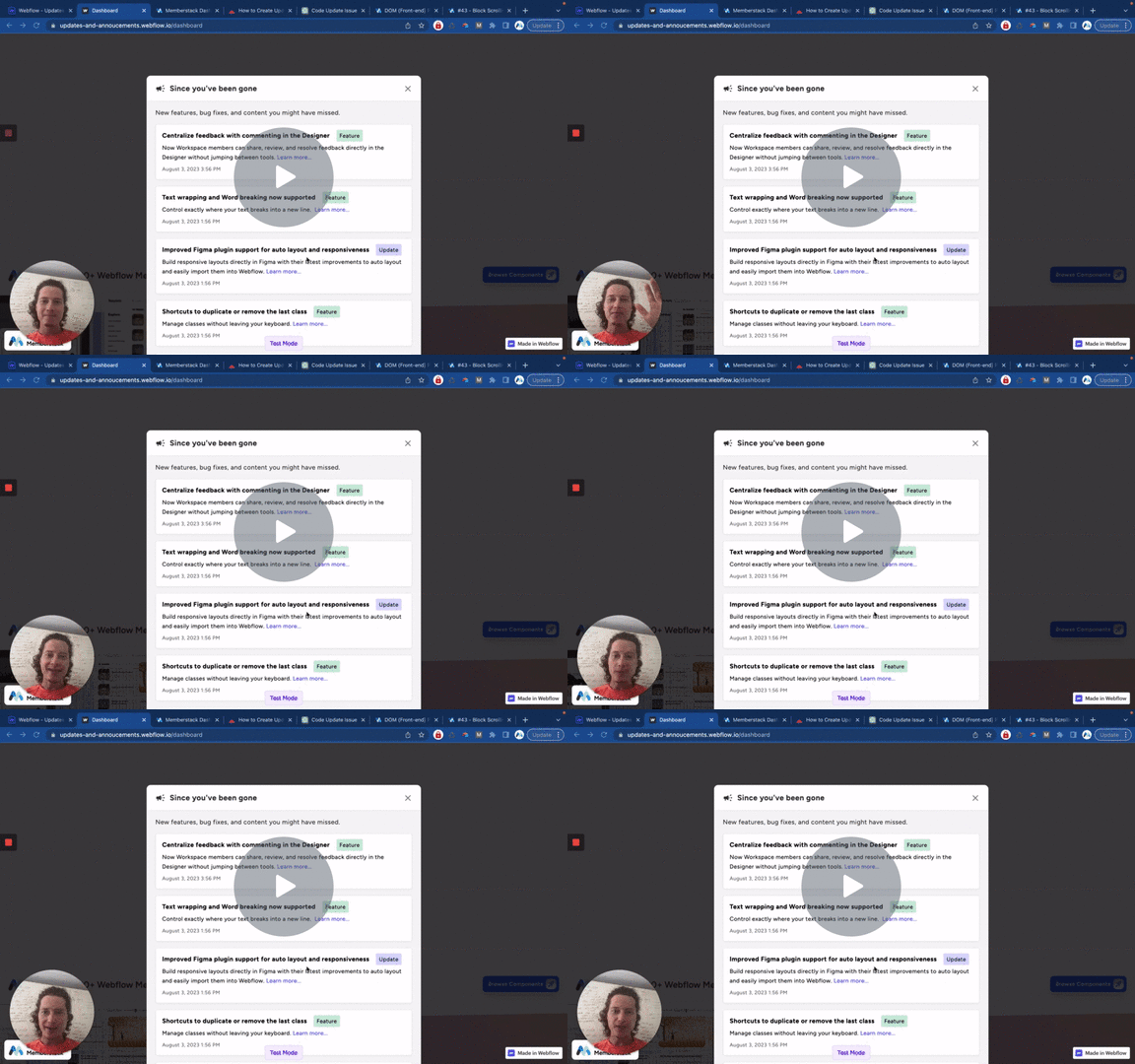
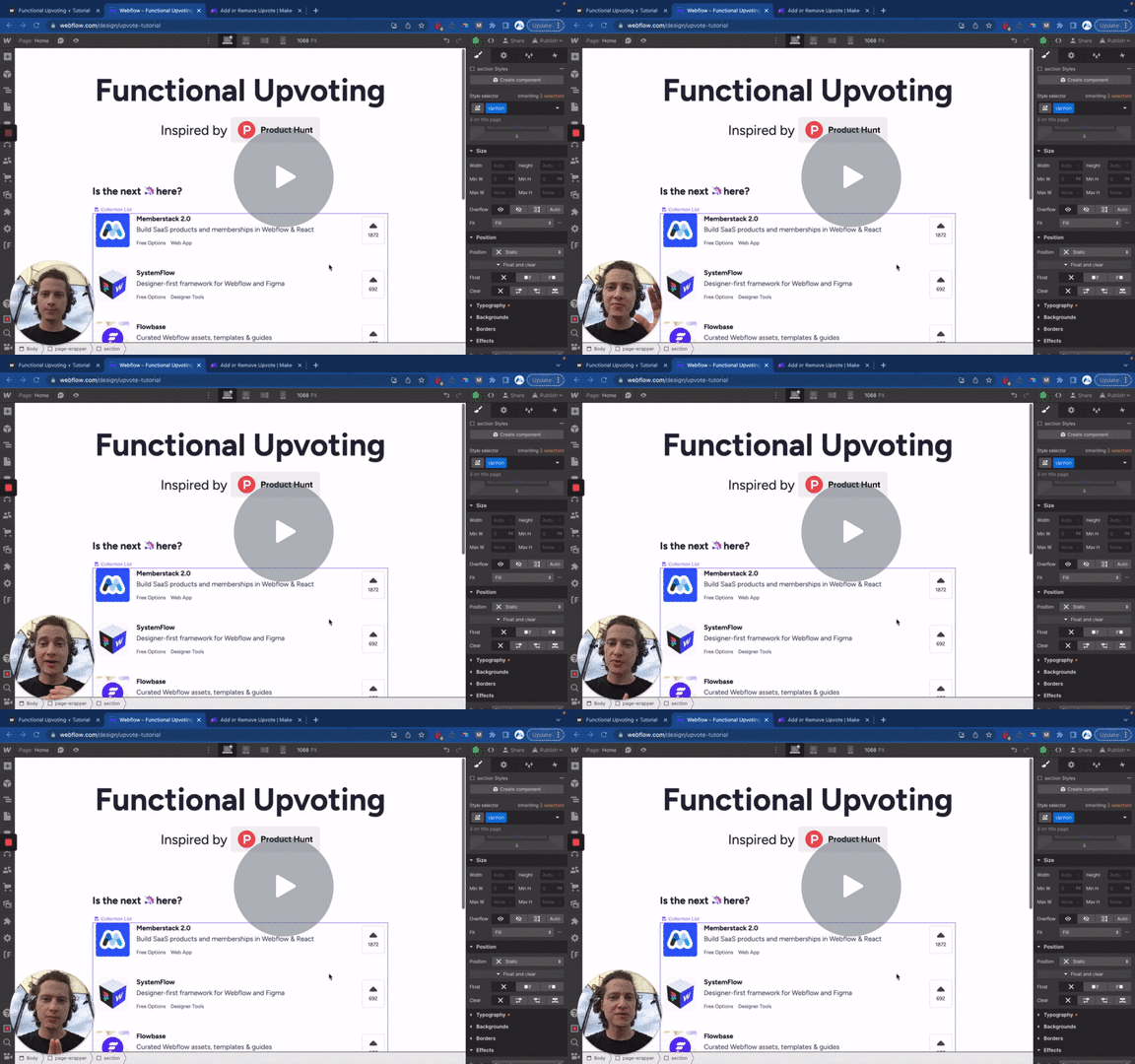
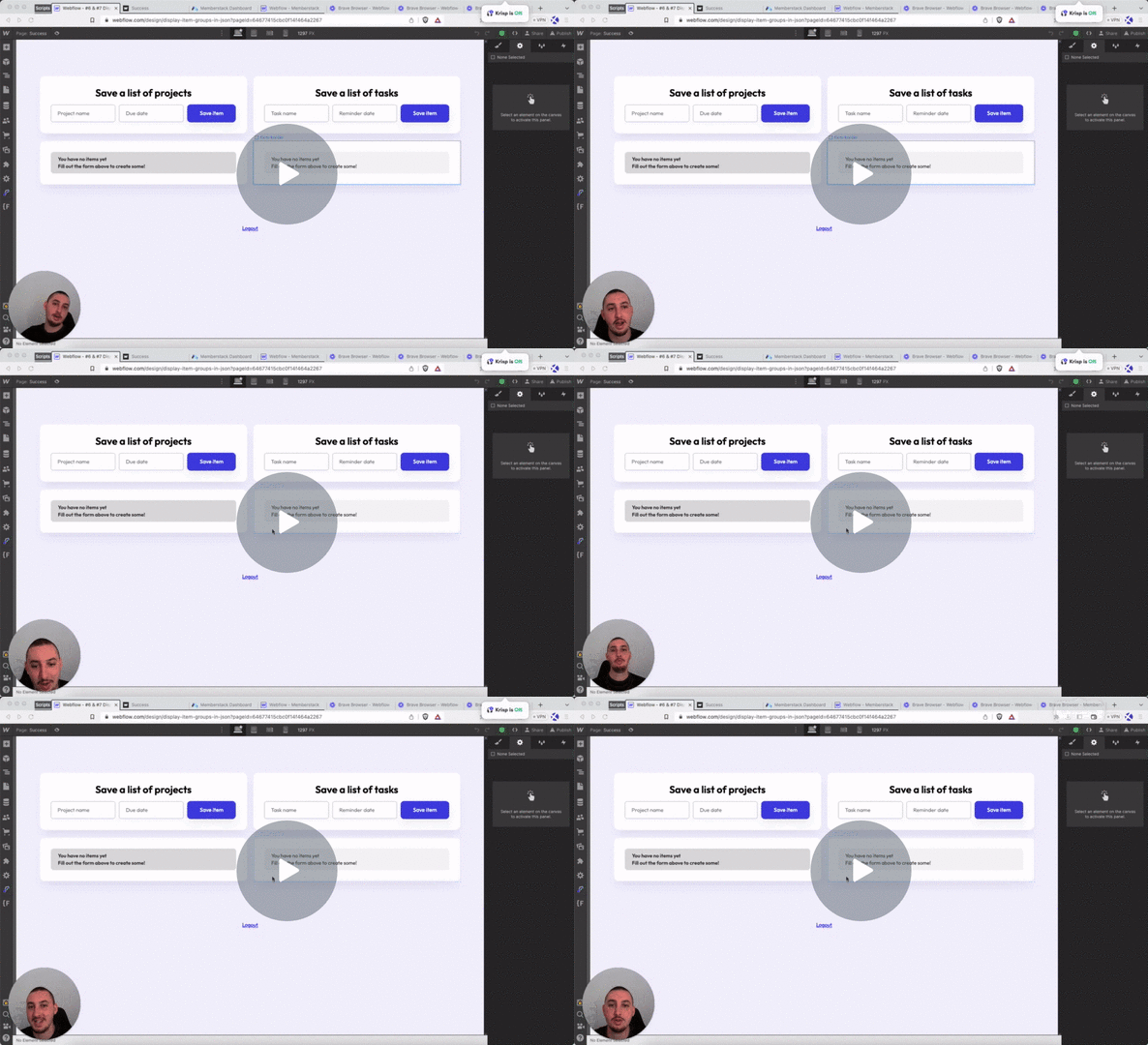
Watch the video for step-by-step implementation instructions
<!-- 💙 MEMBERSCRIPT #4 v0.1 💙 UPDATE MEMBER JSON IN LOCAL STORAGE ON BUTTON CLICK -->
<script>
document.addEventListener("DOMContentLoaded", function() {
  const updateButtons = document.querySelectorAll('[ms-code-update="json"]');

  updateButtons.forEach(button => {
    button.addEventListener("click", async function() {
      const memberstack = window.$memberstackDom;

      // Add a delay
      await new Promise(resolve => setTimeout(resolve, 500));

      // Retrieve the current member JSON data
      const member = await memberstack.getMemberJSON();

      // Save the member JSON as a local storage item
      localStorage.setItem("memberJSON", JSON.stringify(member));
    });
  });
});
</script>More scripts in JSON